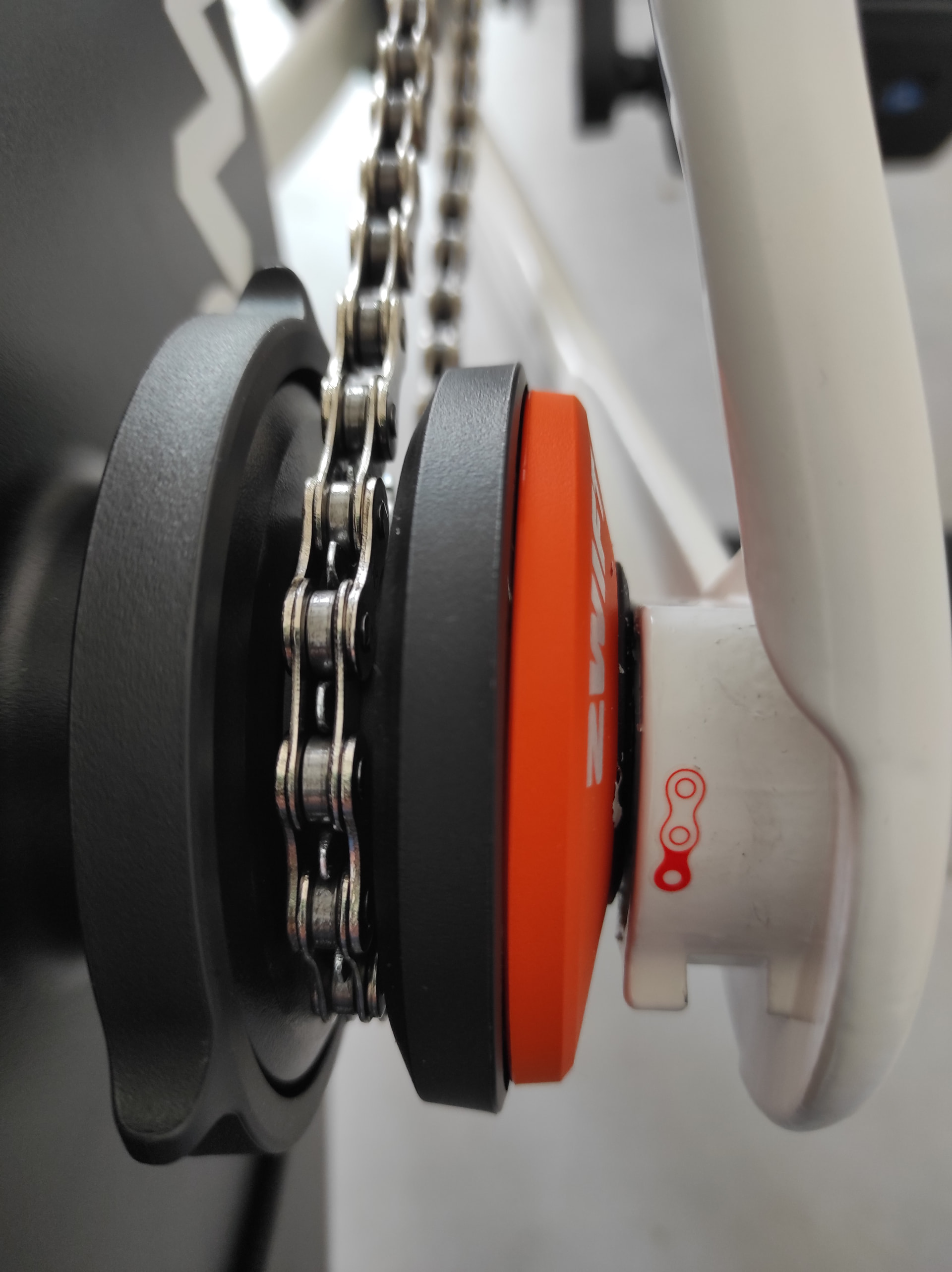
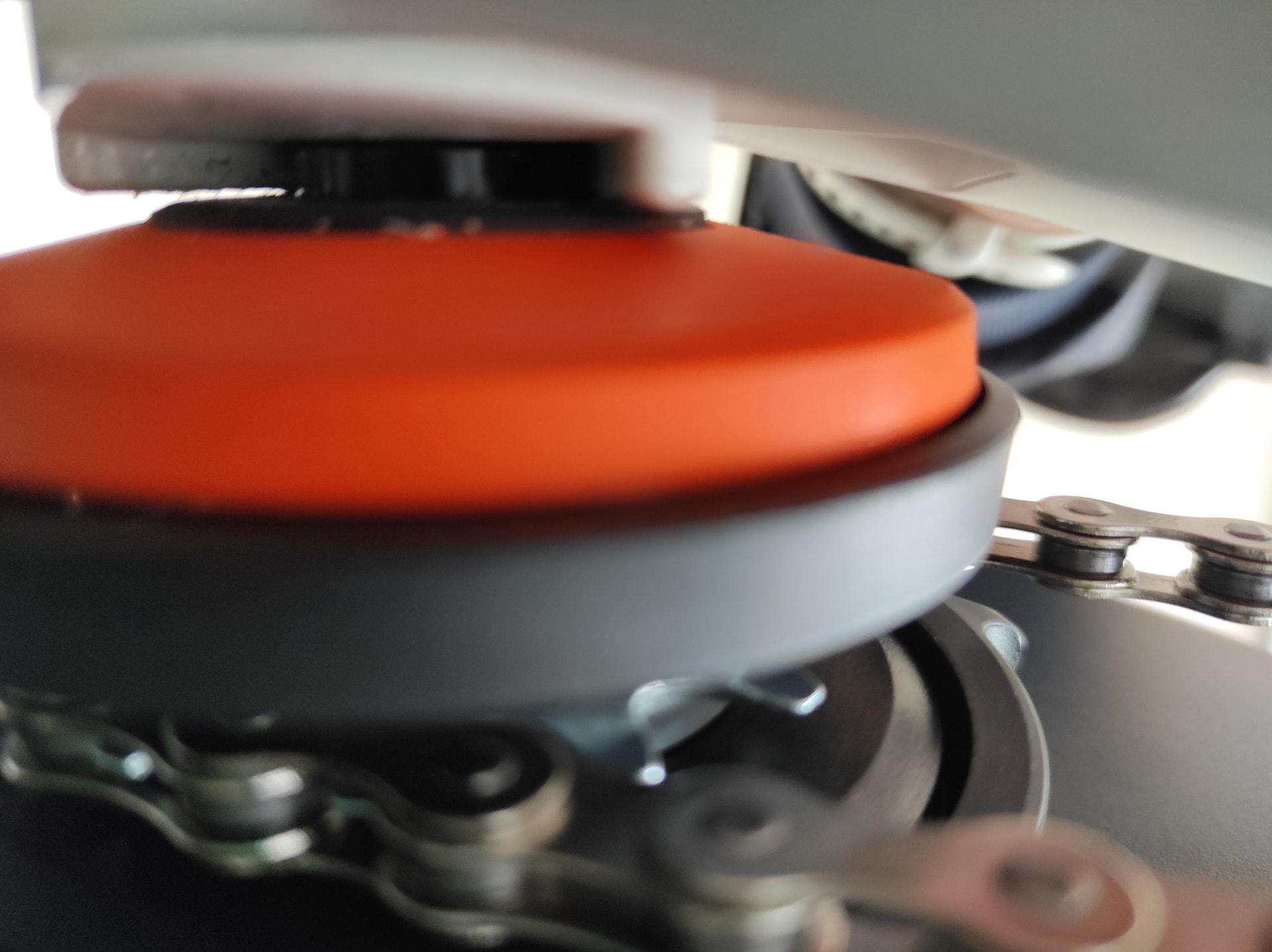
I don’t have one to advise what it should look like, but I’ve seen a few threads here from people with Cog issues that might include photos to compare. Look between the trainer and the back of the cassette. Is there a large gap? Can you see any of the freehub pawls? With the Ride frame out of the way does the Cog/freehub assembly have in in/out play or does it push into the trainer (especially if turning the freehub anti-clockwise while you try that).
I switched to index 1 on the Zwift Cog and I noticed I could move it to the side, and the black lock ring seems to stay away from the orange part, and it keeps rubbing the Zwift frame. I took another picture of the cog.
They wanted me to talk to Wahoo support, but given what I know now, and the thread you showed me, I have sent another email with a video of the Zwift cog wobbling. Guess I have to wait to see if they send me a replacement cog or not.
Hello. I had the same issue. It looks like someone already linked the thread with the details, but did you buy your trainer with the cog already installed?
Right, but a picture of how it’s sitting in there might help identify whether the issue is with the free hub or something else, which will make the support process easier/faster.
I’ll try to take a picture of it, but support has stopped answering my emails. If I don’t hear from them until friday, I’m going to return it. I already have too much going on, don’t need more headaches. But thank you for the tip
Thank you for your response. I am Nelson from Zwift Support.
To assist you accordingly. I have replied to your last response via email. Please keep an eye on your email, so you don’t miss any updates from us. Feel free to reply at your earliest convenience.