2 posts were merged into an existing topic: Issues After Zwift Click Firmware Update – Power Readings Way Off
It’s a TDZ route.
4 Likes
For those who use a SB20 bike for Zwift.
I can confirm after the iOS update on my Apple TV to v26.2 the connection via Bluetooth works fine again.
Thanks for the support Shuji
1 Like
It’s not just Mac devices having trouble connecting with the trainer. Windows devices don’t see wifi trainers either. Thanks!
1 Like
This needs to be fixed somehow.
Having to reinstall an app just to get it to communicate is not acceptable.
Does this proven workaround works for iPad? I think just for Apple TV and Mac.
I reinstalled Zwift on macOS following the instructions and allowed Bluetooth access through the pop-up window, but I still can’t connect my trainer via Bluetooth. Everything was working fine before the update
Does Zwift have code freezes for the holiday period?
can confirm I have gearing issues as well if that’s a different bug AND I’m on windows
when new update and fix?
Fully updated to OS V26.2 and still unable to properly connect the Stages SB20.
I can somehow select it only at “cadence”, but then unable to select it for resistance. Power meters show up just fine
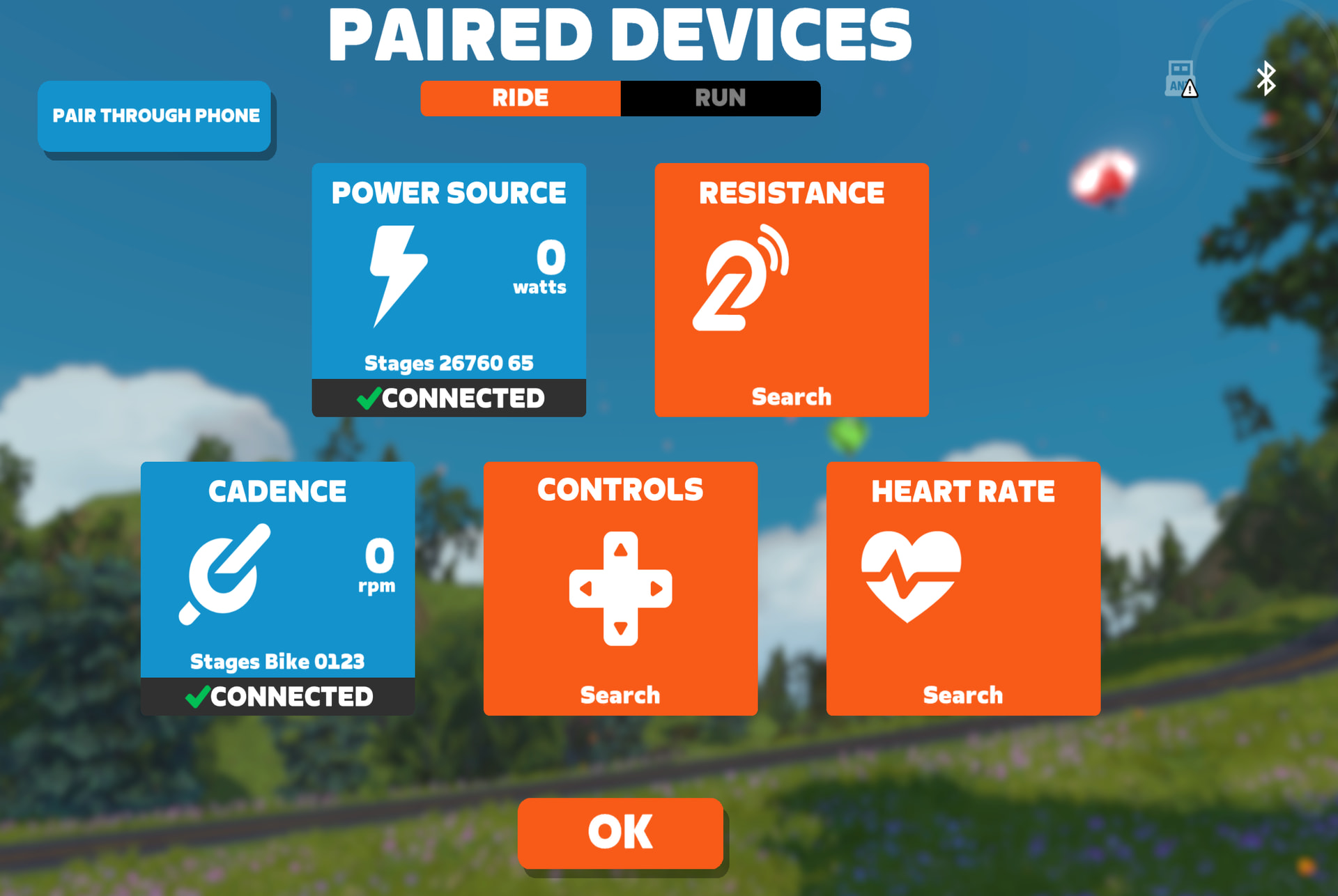
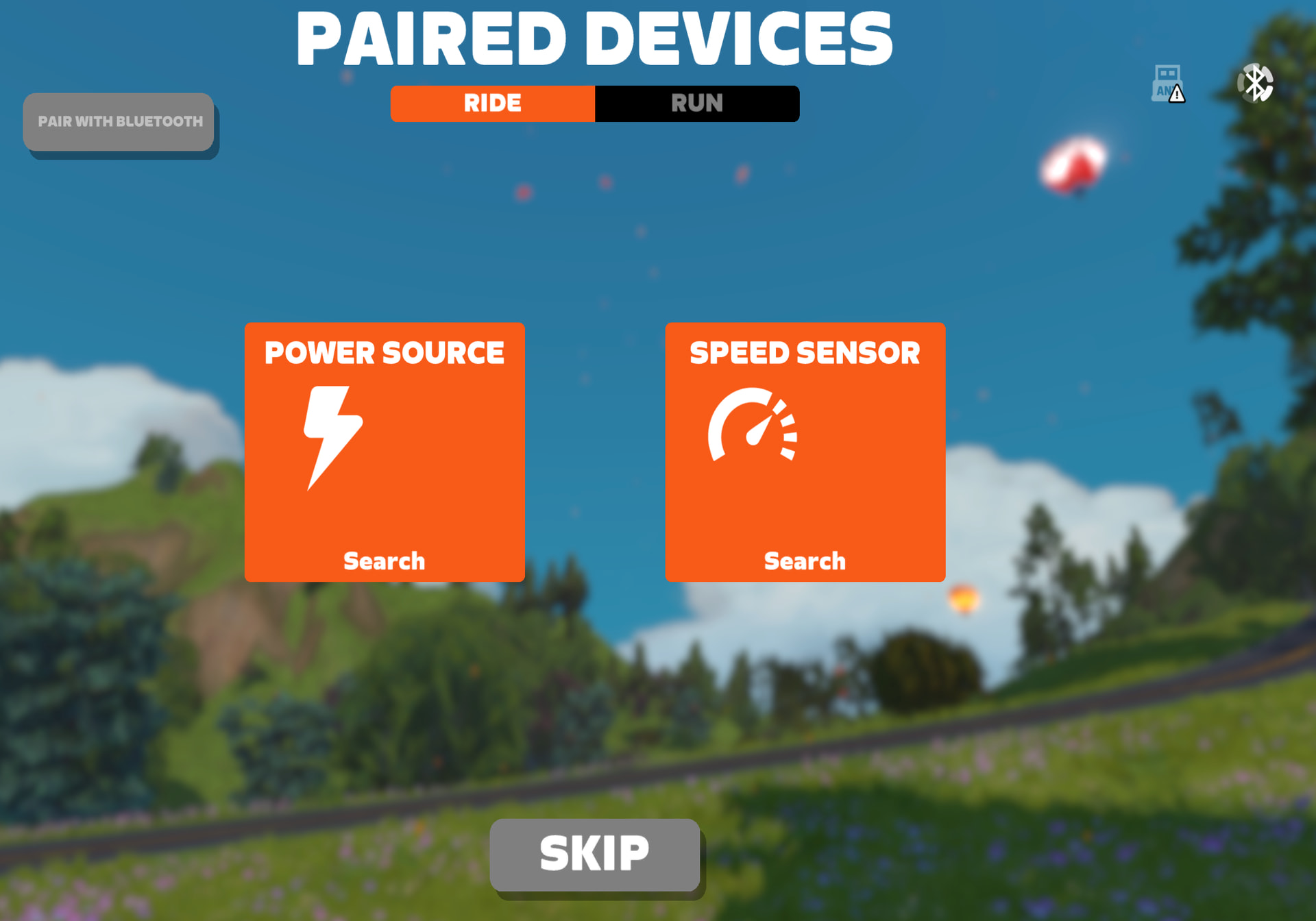
Unable to use the companion mode work around, because as soon as I click pair with phone, the bluetooth symbol keeps spinning but nothing changes. Can’t do any connections in the companion app, nor can I select anything on the MacOS device.
1 Like
Am I the only one that still experience connecting issues with direct connect (not on wahoo but on Jetblack victory) ? Didn’t ride more then 200 meters before the avatar stood still…..
@Steven_Olander
JetBlack Direct Connect issues will also be solved with this upcoming patch
2 Likes
Also having problems pairing on Win 11 since today. Zwift does not detect the device. Yesterday it worked just fine
I find my old Ipad with 1.103 version and all works fine with Saris H3. New Ipad M1 with 1.104 and any changes in free ride when slope is changing.
I read all the replies but my problem remains. I’m using Apple TV and SB20 and never had a problem before, but I can’t pair my bike to power anymore. I know that I can pair the left powermeter but if I’m doing this, I can’t have my heart rate because of Apple TV limitations. I don’t want to use my phone and/or PC. Can you fix that Zwift? It always worked flawlessly before the update 
I have the exact same issue.
Hey @Pat_Caisse_5.W.4.T and @Jan_Engelen - We’re working to get something out asap. Please check this thread for updates and refer to the post above for workarounds for now:
2 Likes
Thanks, Shuji. I’m running iOS 26.2 on both my iPad and iPhone. The iPad has Zwift version 1.104, while the iPhone still has the older, working 1.103 version.
I had a ride on Monday using iOS 26.2 on both devices with Zwift version 1.103, and everything worked as it should (although the Apple Watch dropped connection a few times—previously, once paired, it was rock solid, so this might be related to iOS 26.2).
I’ve deleted and reinstalled Zwift on the iPad and granted all permissions, but it’s completely dead now. Only two sensor boxes are visible; the rest have disappeared and can’t find any devices. The heart rate sensor box is gone entirely, even though the Apple Watch and Wahoo Trackr are right next to the iPad/iPhone.
I hope a patch will be released very soon.
@Nasuto
Yes, I can confirm in your server logs that your iPhone 14 and your iPad 12 are both updated to iOS 26.2. Next steps for you
- Whichever one of those devices is your preferred Zwifting computer - kindly wait for the 1.104 patch that we’re working on.
- Uninstall the main Zwift app from the other device. Logging in to Zwift from multiple devices will also create symptoms like not being able to pair to your trainer or not getting resistance to work
Okay. Thanks. I’m planning a ride tomorrow evening so I just keep Zwift on the iPhone.