Yup, that sounds like a bug. Companion should show changes to Trainer Difficulty in real time. Sorry that you’re running into bugs this week, but we appreciate you flagging them up to us.
It’s ok! I like that Companion brought the Home Screen view while riding so I can give Ride Ons to all of my followers while Zwifting without having to disconnect Companion from my network to do so. That was a nice thing that caught me by surprise and I was wanting for years!
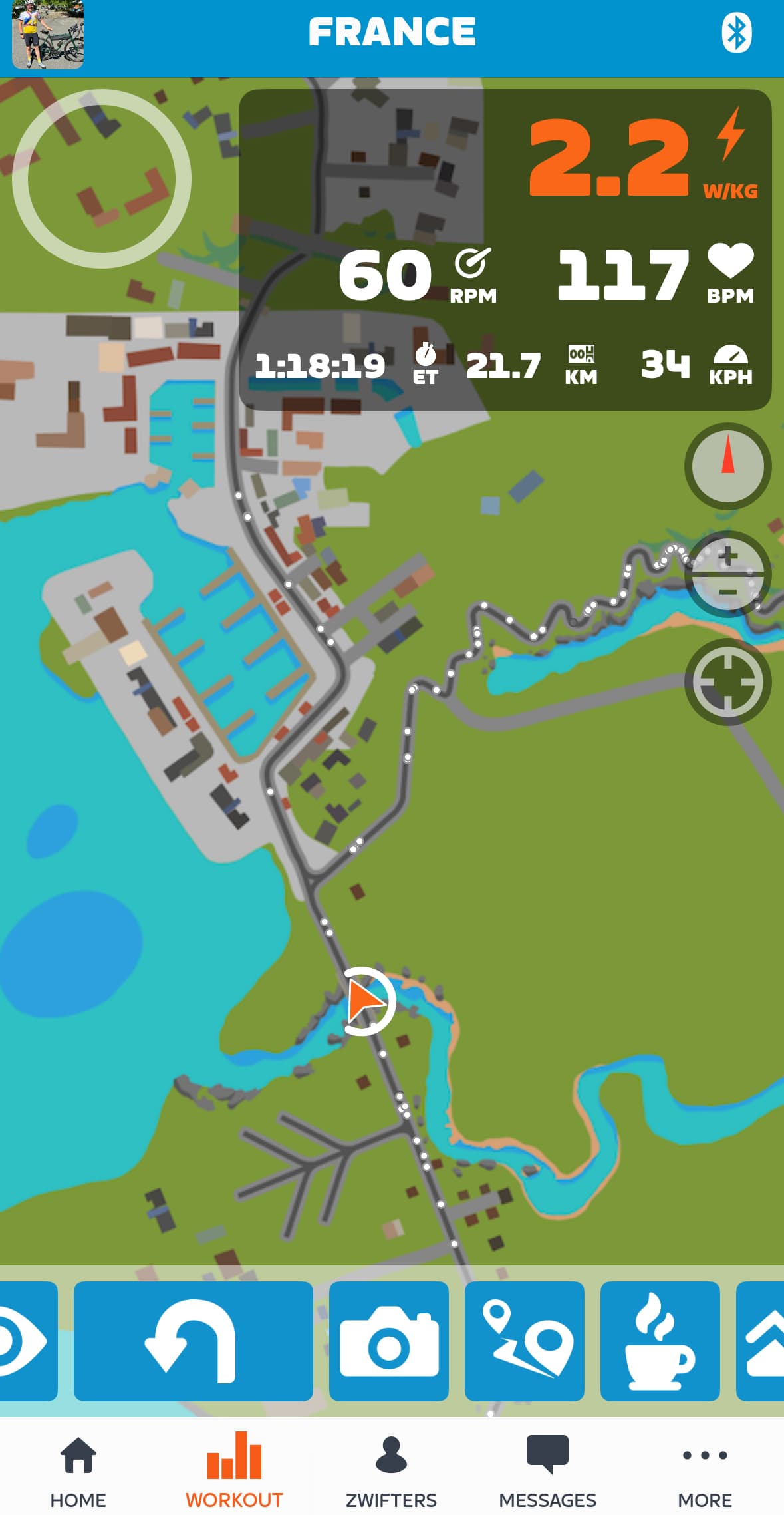
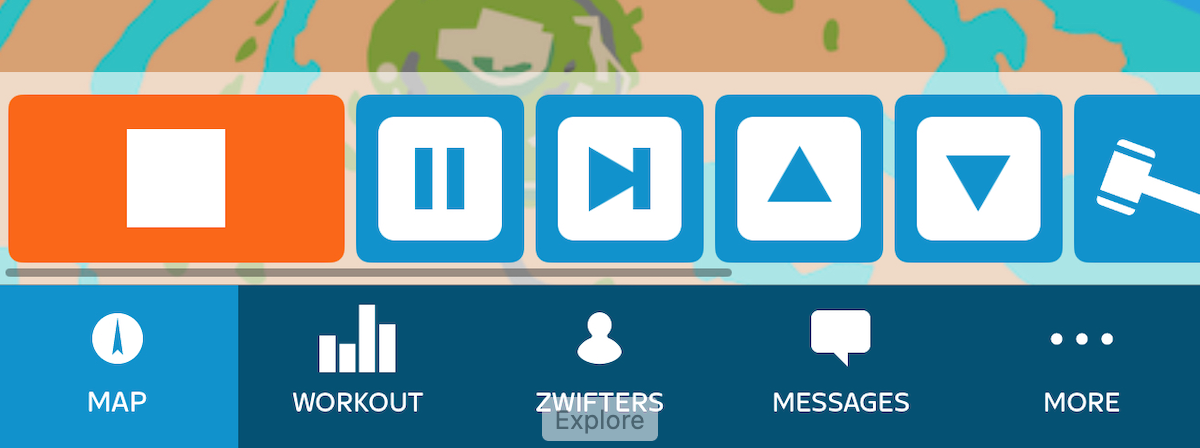
I’ve been using the Zwift Companion app since it launched, but today during a structured workout I discovered the actual U-turn button has been completely removed from the iOS app interface.
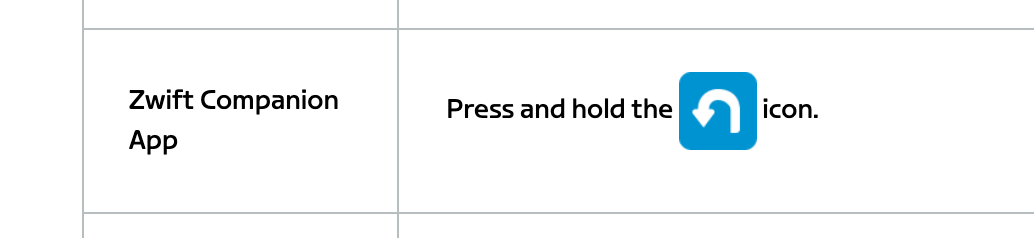
The U-turn button used to be the curved arrow icon (see attached image), but this button is now entirely missing during workout mode. The down arrow that’s still visible is NOT the U-turn button - that’s for advancing to the next workout segment.
This is incredibly frustrating because:
The dedicated U-turn button has been removed without notice
During free rides, the curved U-turn button is available, but it disappears completely in workout mode
There’s no way to make a U-turn during structured workouts anymore
Zwift’s app description still claims you can ‘bang U-Turns’ with the Companion app but doesn’t mention this limitation
I’ve attached screenshots showing the current interface and what the actual U-turn button looks like.
Has this functionality been intentionally removed from workouts?
If so, why wasn’t this communicated to users?
Why remove basic navigation during structured training?
Shuji at Zwift HQ here. I’ve been discussing your questions with the team here.
We’re confused by this. We see in our server logs that you’re using Companion v 3.71.0, which is one release older than the latest. Please visit the Apple App store and force update to v3.72. Did that sort things out?
Secondly: those iOS screenshots appear to be about a year old. The Action Bar in the Companion app has changed since then, and even in v3.71 it shouldn’t look like that. Can you go into the Companion Settings menu > About and verify the version number?
@shooj - can we get something added to Companion to show whether an event uses Rubberbanding without having to open each event in a browser window to check under Toggle Event Details regarding whether this parameter is set?
A couple of the Femmes rides I have been on, the leader has been blindsided whether or not they were banded (some are, some aren’t) because it is not in the description, and sometimes it isn’t in the description for other Group Rides.
Some Zwifters gravitate towards banded rides and others get frustrated when they join an event just to find it was Rubberbanded when they expected otherwise.
This would clear up a lot of confusion and ease tensions so that Zwifters know what they’re signing up for before they join the event and complain about it either way.
In the Companion app, when looking at the activities of followers and followees, there used to be an arrow to return to the person’s profile. This option appears to have disappeared. Can it be added back?
@Nigel_Tufnel I expect this is the same bug Paul is talking about. If you see this occurring and you tap the spot you expect the arrow to be, the arrow will still work. I think it is related to perhaps system theme - if Companion was launched in one theme (Dark) and then opened again while still backgrounded in another theme (Light), I think this is the root cause. I still saw it on 3.72 on iOS, this morning, actually.
Interesting. Well I have only ever noticed it on Light Mode and mine is set to automatic. Maybe it is a light-theme only defect and the arrows shift to light (like they would be in Dark Mode) regardless of being in Light Mode?
I have never observed the missing arrows in the Dark Mode - but that’s not to say it is impossible. There just isn’t that much Dark Mode this time of year at my northerly latitude over halfway to the North Pole.
This screen still shows up while Zwifting. On iOS, before 3.72, it was inaccessible unless “Offline”.
Now, I can click that thumb and give mass Ride Ons to people I’m not Zwifting with, without disconnecting from my network to do so while Zwifting, as I had done for years.
I may have missed something small - but how do you now, in workout mode, actually get to the MAP view whilst doing your workout? (To interact with those around you, and access controls from within the Companion app.)